100% private voice test
Your microphone audio is processed locally. We never upload, store, or share your recordings or results.
Free Online · 100% Private
Measure your voice frequency in seconds. Discover whether your voice falls in the chad or voicecel range — entirely in your browser, no recordings stored, no sign‑up.
Your voice frequency will appear here.
100% client-side. Audio is never uploaded. Results are stored only when you choose Save.
< 85 Hz
Deep Voice Chad
85 – 115 Hz
Chad
115 – 145 Hz
Voicecel
> 145 Hz
It's over
Built for accuracy and privacy. Everything runs locally in your browser using the Web Audio API.
Your microphone audio is processed locally. We never upload, store, or share your recordings or results.
Real-time pitch detection using autocorrelation analysis returns your fundamental frequency in under 10 seconds.
From deep voice chad to voicecel, see exactly where your fundamental frequency sits on the spectrum.
Use the same private browser-based analyzer with results tailored to a specific question.
The voicecel test is a quick way to measure the fundamental frequency of your speaking voice — the lowest pitch your vocal folds produce when you talk normally. Originally a slang term born from online voice-rating communities, the test has evolved into a genuinely useful tool for anyone curious about how their voice is perceived. Our free online voicecel test brings that analysis straight to your browser: no installs, no accounts, no waiting in a lab queue.
When you take the online voicecel test, you speak naturally for ten seconds while the browser captures your microphone input. A real-time autocorrelation algorithm finds the repeating pattern in the waveform and converts it into a precise Hertz reading. That single number — your median fundamental frequency — is what places you somewhere between deep voice chad (under 85 Hz), chad (85–115 Hz), voicecel (115–145 Hz), or it's over (above 145 Hz).

Under the hood, the voicecel test free online tool uses the Web Audio API to sample your microphone at your device's native sample rate — typically 44.1 kHz or 48 kHz. Every animation frame, we grab a buffer of audio data and run a normalized autocorrelation function across it. Autocorrelation excels at detecting periodicity in noisy signals, which is exactly what a human voice is: a quasi-periodic waveform produced by vibrating vocal folds.
Once a candidate period is found, we compute its inverse — that's your fundamental frequency in Hertz. We then take the median across hundreds of samples collected during the 10-second recording to filter out clicks, breaths, room noise, and any frames where you weren't speaking. The result is a stable, accurate Hz reading you can repeat as many times as you'd like with our free online voicecel test.
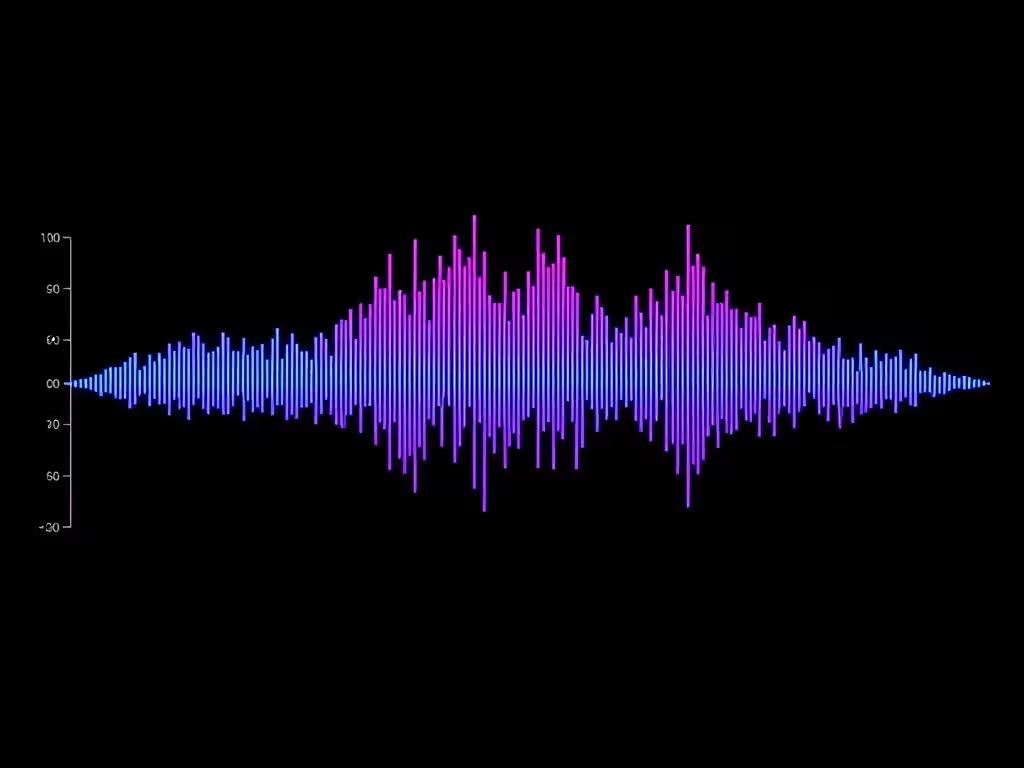
Adult speaking pitch usually falls between 85 Hz and 255 Hz. Cisgender male voices typically average 100–130 Hz, while cisgender female voices average 180–220 Hz. The voicecel test free reading is most useful for men curious about where their pitch lands relative to the rest of the population. Here's a deeper breakdown of what each range historically means in voice-rating culture:
An exceptionally low, resonant voice. Think late-night radio host or movie trailer narrator. Rare and instantly recognizable on the online voicecel test.
Solidly masculine and authoritative. The majority of adult men with healthy vocal cords land here on a free voicecel test.
A higher, lighter voice. Many factors — genetics, hydration, microphone, recording position — can shift you in or out of this band during a voicecel test online.
Sits inside the typical female speaking range for an adult man. Note: pitch is only one component of perceived voice — timbre, resonance, and articulation matter just as much.
Like any acoustic measurement, the free online voicecel test is sensitive to your environment. A few easy adjustments will give you a Hz reading you can trust:
Voice data is biometric data. Many free voice tests on the web silently upload your audio to remote servers for processing. We took a different path: every byte of audio for this voicecel test free online stays inside your browser tab. There is no upload endpoint, no cloud transcription, no analytics pixel watching your microphone. When you close the tab, every trace of your recording is gone.
That's why we built the voicecel test with the Web Audio API instead of a server pipeline. You get instant results, we get a tiny hosting bill, and your voice never crosses a network boundary. Read our privacy page for the full technical detail, or jump straight to the FAQ for short answers.
Browse the full FAQ for everything from microphone tips to how the Hz ranges were chosen.